

Start the connection in Asa
Navigate to Add Content in the sidebar, open the Apps tab, and click Connect on the Klaviyo Reviews card.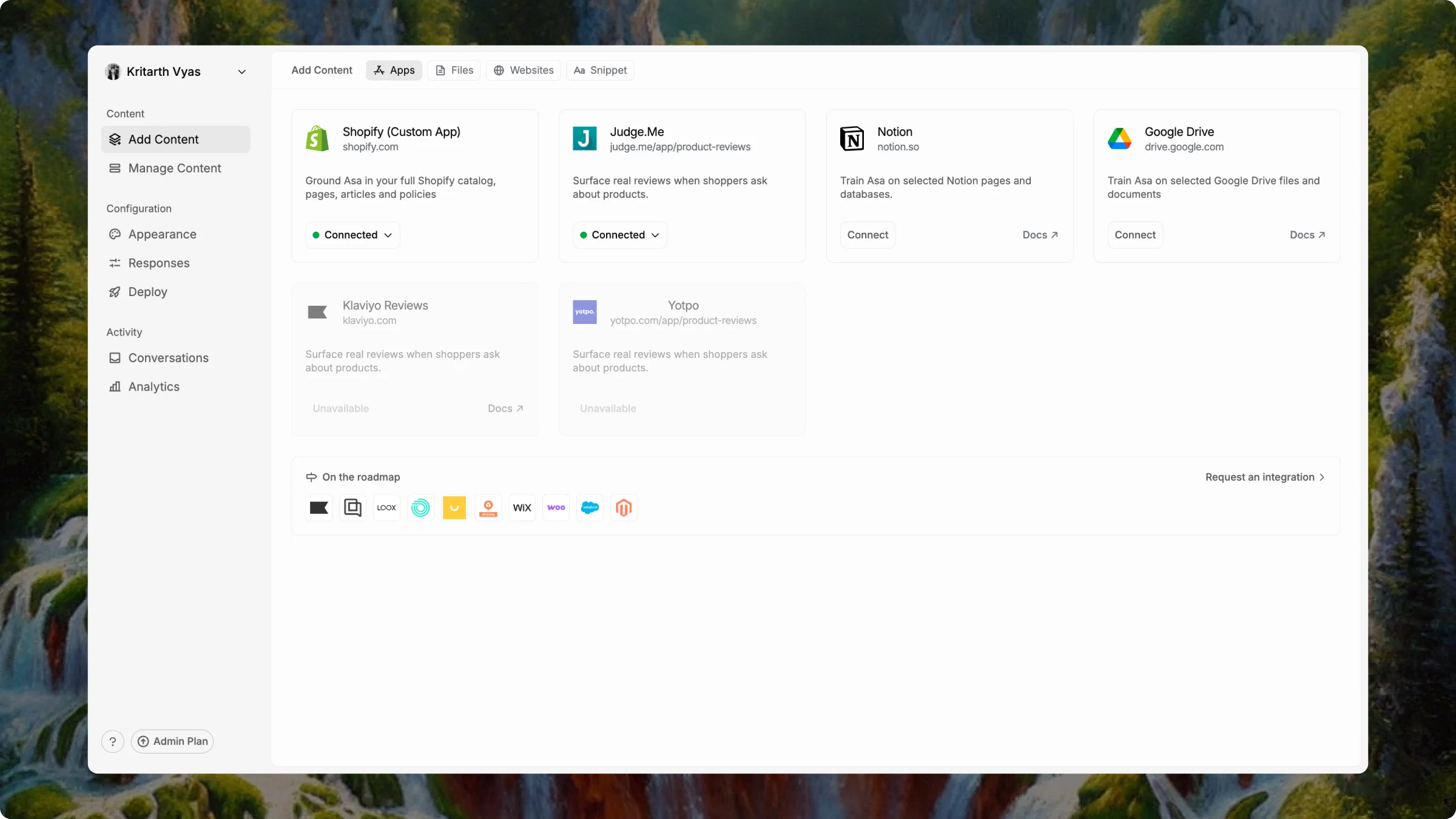
Authorize Asa in Klaviyo
Klaviyo’s authorization window opens in a new tab.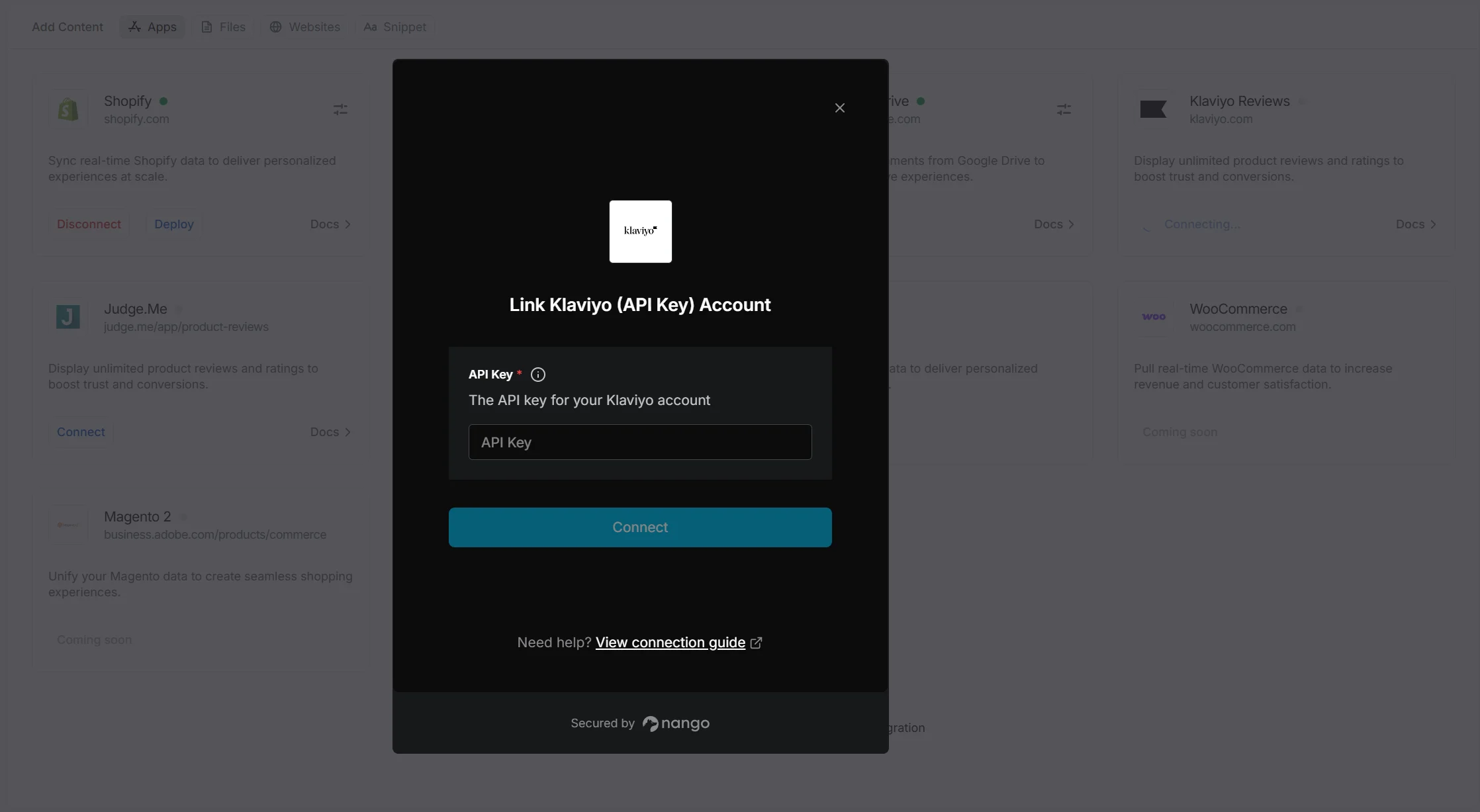
- Sign in with the Klaviyo account tied to your store’s reviews.
- Review the permissions Asa requests.
- Click Allow or Authorize to grant access.
Confirm connected
On the Klaviyo Reviews card, the status shows Connected.
Only one reviews app can be connected at a time. If you already use Judge.me or Yotpo, disconnect that integration before connecting Klaviyo Reviews.
Notes
- Authorize the Klaviyo account and workspace that match your Shopify store.
- If the authorization window does not open, check your browser’s popup blocker and try again.